Security update maintenance
Hello,
A maintenance operation is scheduled today from 12:30 p.m. to 2:00 p.m. to apply a security patch. The service may be temporarily unavailable during this time.
Thank you for your understanding.
Follow new updates and improvements to Swiftask.
Hello,
A maintenance operation is scheduled today from 12:30 p.m. to 2:00 p.m. to apply a security patch. The service may be temporarily unavailable during this time.
Thank you for your understanding.
Hello,
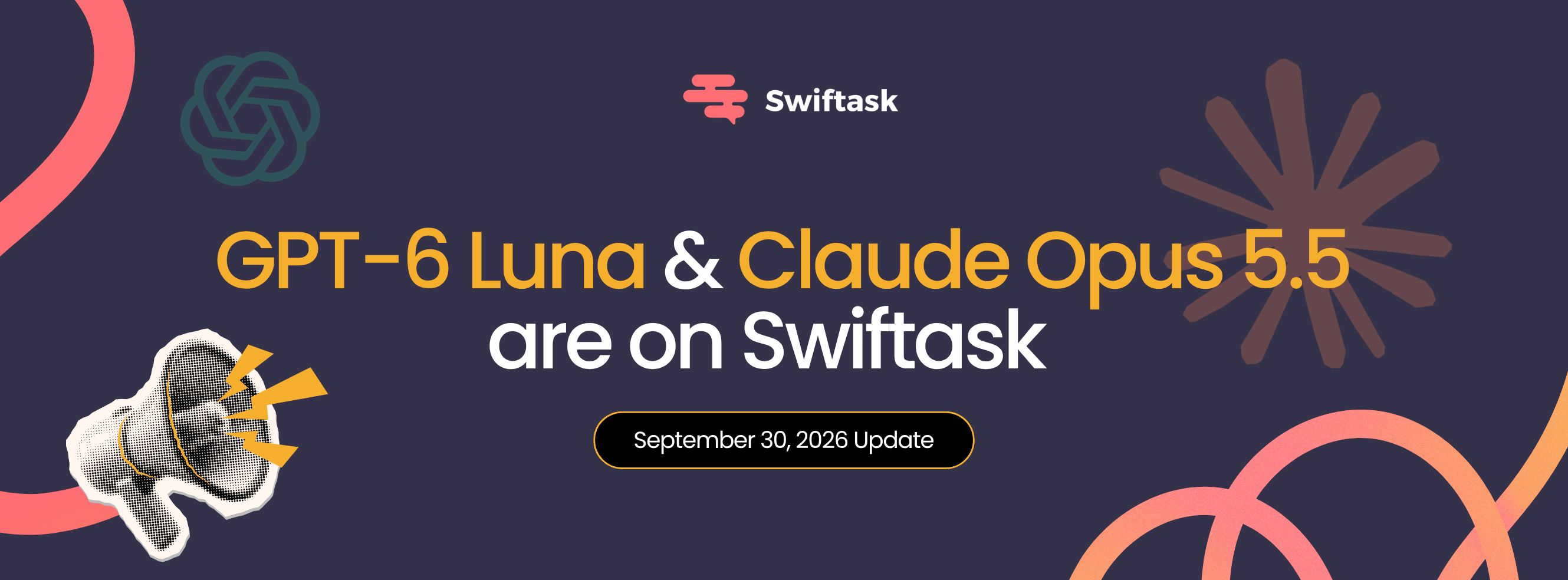
Your Swiftask workspace gets two new powerhouses at the end of this month, each with its own specialty. Here is how to choose in 30 seconds:
Fast, lightweight, and capable of processing up to 1 million words of context at once (roughly 1,500 pages).
Use it for:
High-volume processing: Sorting, categorizing, and tagging dozens of messages, tickets, or documents.
Summarizing and extracting key insights from long reports, contracts, or meetings.
Everyday queries: Information search, explanations, writing, and brainstorming.
Reading images: Screenshots, invoices, and table transcriptions.
Anthropic's most powerful model to date: it reasons before acting, stays on track through multi-step workflows, and clearly explains its process.
Use it for:
Complex end-to-end projects that require execution across multiple steps.
Serious coding: Building features, debugging stubborn issues, or auditing entire projects.
Production-ready deliverables: Presentations, spreadsheets, and structured executive summaries.
You will also see Claude Opus 5.5 (Vertex AI) in your selector. Same model, same capabilities—routed through Google Cloud infrastructure, with the option for European hosting.
This is the recommended choice if you handle sensitive, personal, or regulated data (GDPR, healthcare, finance, public sector) where data sovereignty is just as critical as response quality.

How to get started?
No setup required: open the model selector in your Swiftask chat or under Agents—both models are live and ready to use. Enjoy exploring!
Hello,
Here is a new feature in Swiftask that solves a problem many of you know all too well.
You create an agent that manages emails seamlessly, you share it with your 80 team members... and everyone ends up in your inbox. Until now, you had to choose: either keep the agent to yourself or recreate it 80 times.
The new “Accounts required” feature fixes this. Anyone who opens the agent logs in with their own account. A single agent, but working within everyone’s personal workspace.

🔐 Your data stays yours. Everyone only sees their own inbox and files.
📧 Every action carries the right name. An email is sent directly from the person who requested it.
🔑 Company permissions apply automatically. No extra setup needed.
🛠️ One single configuration, done once and for all.
Take, for example, a company using Microsoft 365 that connects an agent to Outlook to sort emails and draft responses. The administrator goes to Accounts required, shares the agent, and everyone logs in with their usual Microsoft account. That’s it.
And… it works with all external connectors in Swiftask: Gmail, Slack, Notion, Salesforce, HubSpot, and more.

The concept stays the same everywhere: a shared agent, individual accounts, and data that never overlaps.
📍 Where to find it: Agents > Configure Agent > Agent Instructions > Accounts required. Add the accounts to connect, and everyone will link theirs when they first use it.

Enjoy discovering this new feature on Swiftask!