See your agents think. Share knowledge faster. Pin your top agents. — Update April, 2026
Three focused improvements that cut through the noise: better visibility into what your agents are doing, smarter knowledge organization, and faster agent discovery. Everything you need to work with confidence.
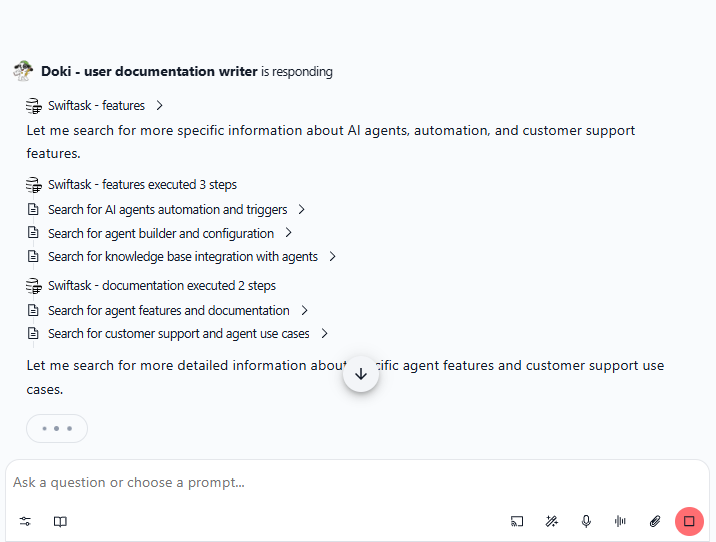
Watch your agent work in real-time
Interpretability in Chat shows you exactly what your agent is doing as it happens. See the workflow, skill chains, API calls, and how inputs flow through each step. No more waiting for the agent to finish, you watch the progress unfold.
View agent workflow and skill execution step-by-step
See how inputs are processed and used
Watch API calls and data flow in real-time
Understand what your agent is doing at each moment
This gives you better visibility and confidence in your agents' decisions, without waiting for completion.
Add shared knowledge to your projects
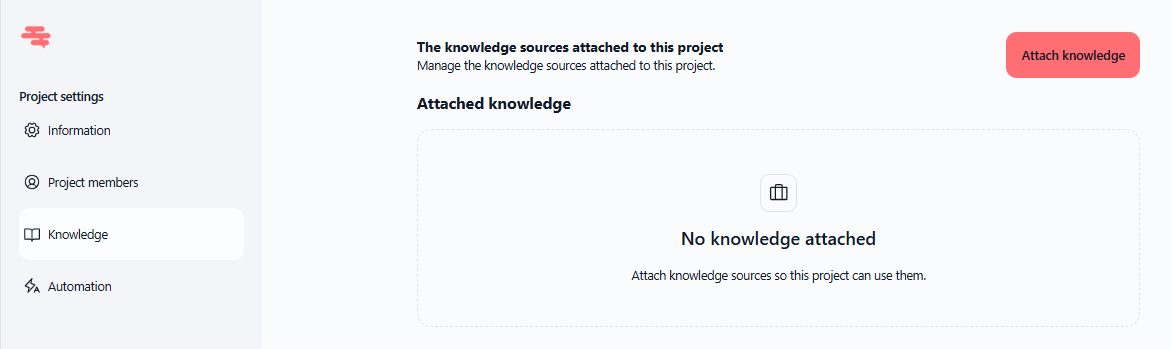
You can now attach knowledge sources directly to projects. Every chat within that project automatically has access to the same centralized knowledge, giving everyone context without duplication.
Attach knowledge sources to projects
All project chats access shared knowledge automatically
Better context for team collaboration
No need to manually add knowledge to each chat
Find it at: Project settings → Knowledge → Add knowledge sources
Pin your best agents for the whole team
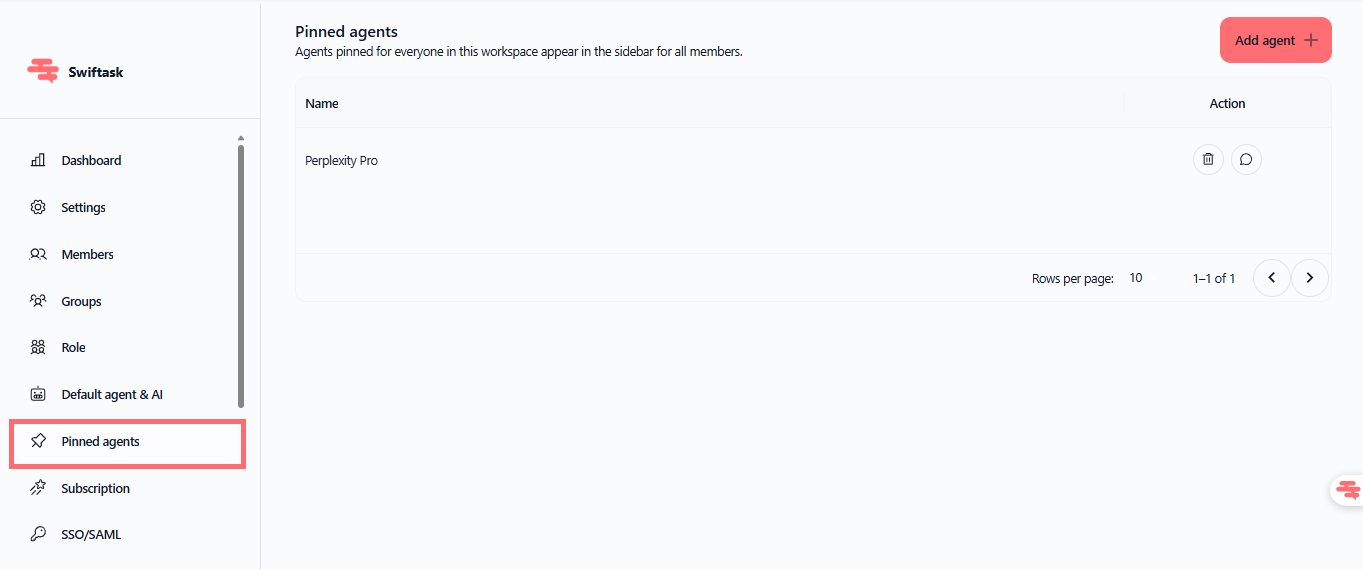
Workspace admins can now pin agents to the Chat home screen. Your team sees your most-used agents right away : no searching, no hunting.
Pin agents to Chat home for easy discovery
Help your team find the right agent instantly
Organize your enterprise agent shelf
Available to all workspace members
Find it at: Admin settings → Pin agents to Chat home
Improvements
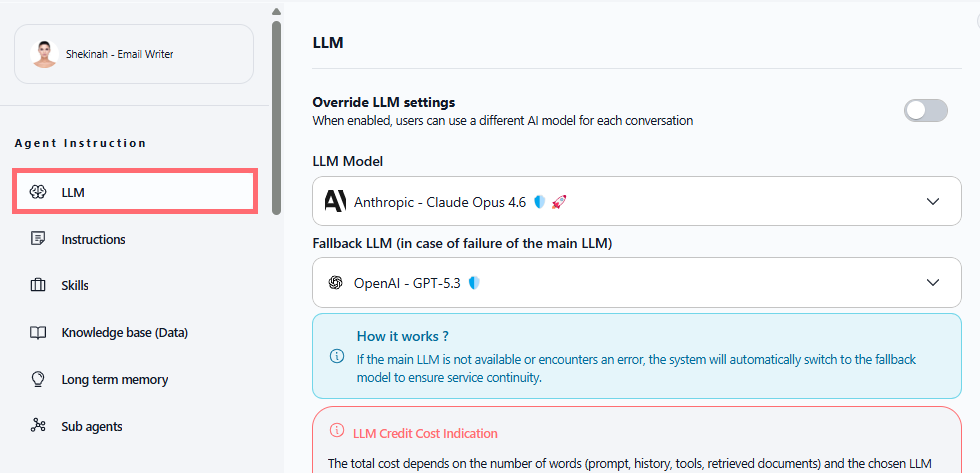
LLM configuration now has its own dedicated menu. No more digging through mixed settings, everything related to your model is in one place.
Find it at: Agent configuration → LLM settings
Get started now
Start by pinning your most-used agents, then explore the Chat selector to see how fast you can switch between AI models. Watch the interpretability panel next time you run a complex task, you'll see exactly how your agent thinks.